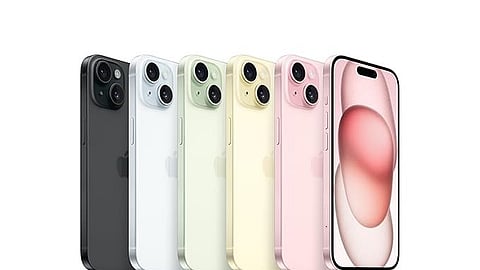


Apple’s latest iOS 26.2 update brings a small but impactful change that could make a big difference in your daily life: Flash for Alerts. It is designed to ensure that Apple users never miss an important notification; this new feature makes the iPhone’s screen flash when alerts arrive, even if the device is on silent mode.
The previous versions of iOS would enable the rear camera LED to blink for notifications and iOS 26.2 takes it a step further by using the entire screen as a visual cue. This helps alot, especially in noisy environments, during meetings, or when your phone is face-up on a desk. Although the screen flash may be an irritable distraction to some.
How to set up Flash for Alerts in iPhone iOS 26.2:
Update to iOS 26.2
Make sure your iPhone is running the latest software. Head to Settings > General > Software Update and install iOS 26.2 if you haven’t already.
Enable Flash for Alerts
Open Settings
Go to Accessibility
Tap Audio/Visual
Toggle on Flash for Alerts
Customize your experience
You can choose whether the flash triggers only when your phone is unlocked, or both when locked and unlocked. This gives you control over how visible the alerts are in different scenarios.
Why it matters
Harder to miss notifications: Even if your phone is muted, the screen flash grabs attention.
Accessibility boost: It’s a helpful addition for users with hearing impairments.
Discreet but effective: Unlike loud ringtones, the flash is a subtle yet noticeable cue.
Alongside Flash for Alerts, iOS 26.2 also introduces enhanced safety alerts, urgent reminder alarms, and improved AirDrop security codes, making this update one of Apple’s most practical refinements in recent releases.
If you’re someone who often misses calls or messages because your phone is on silent, this feature is worth enabling right away. It’s a simple tweak that ensures your iPhone gets your attention when it matters most.
At marvelof.com, we spotlight the latest trends and products to keep you informed and inspired. Our coverage is editorial, not an endorsement to purchase. If you choose to shop through links in this article, whether on Amazon, Flipkart, or Myntra, marvelof.com may earn a small commission at no extra cost to you.